1. Create a child profile
Add each child and create a separate space just for them.

Kiddopick helps parents create a simple, parent-approved YouTube library. Add trusted channels or individual videos, manage Shorts, and let each child watch only what you choose.
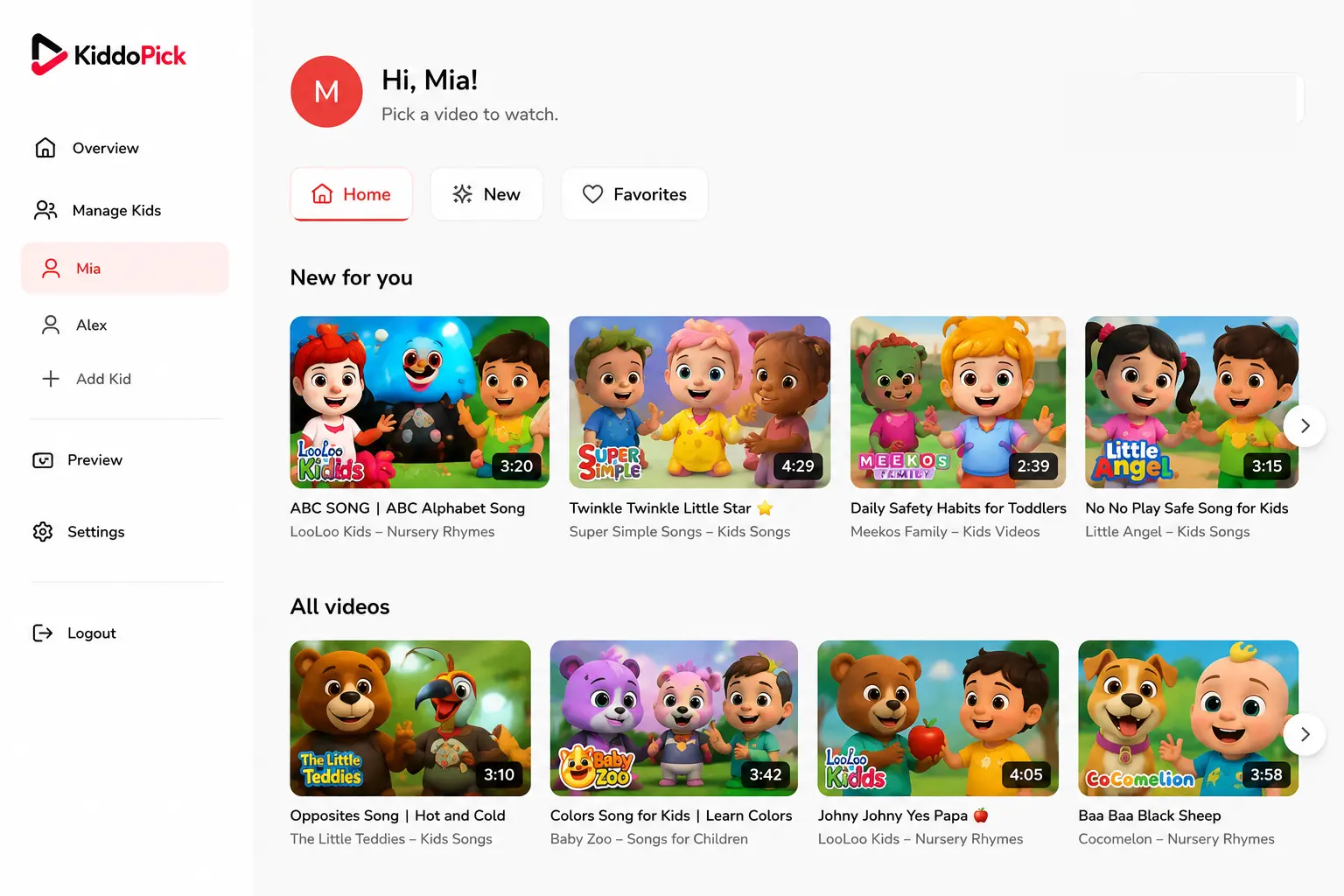
Add each child and create a separate space just for them.
Choose complete YouTube channels or individual videos you trust.
Kids enjoy a simple library with only the videos you selected.
Add a trusted channel and make its videos available to your child.
Add one video without giving access to the entire channel.
Choose the length that counts as Shorts and manage visibility.
Create different libraries for siblings with different interests.
See the experience exactly as your child will see it.
No open YouTube search Kids cannot browse outside the content you approve.
No algorithmic distractions Only your selected channels and videos appear.
You stay in control Pick, remove, or update content anytime.
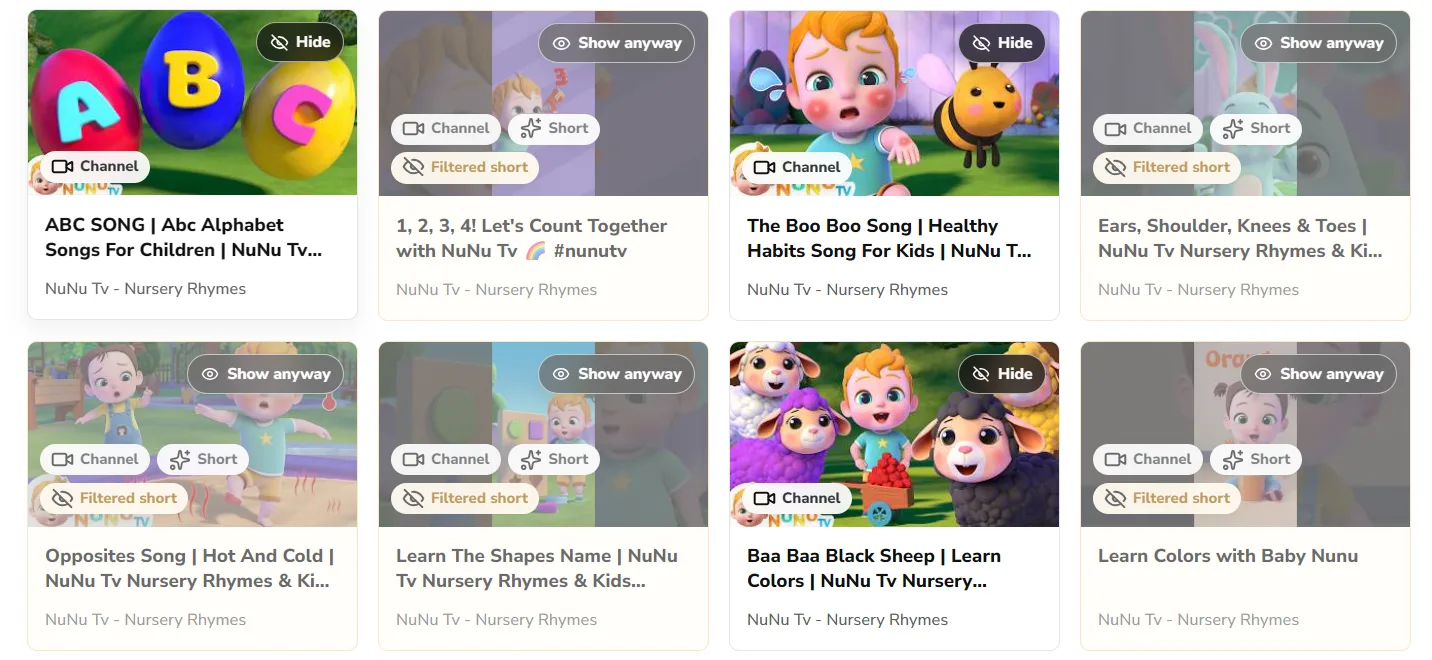
Kids watch only what you approve.
Your family space stays controlled.
A clean, easy-to-use experience.
Less worrying, more time together.
No. Kiddopick is designed around parent-approved channels and individual videos, not open YouTube search for children.
Yes. Parents can approve a single video without giving access to the whole channel.
Yes. Each child can have a separate profile with its own approved channels, videos, favorites, and watch experience.
Yes. Parents can choose the video length that counts as Shorts and decide how shorter videos are handled.
No. Kiddopick is a parent-controlled video library where the parent picks exactly which YouTube channels or videos are available.
No credit card required.